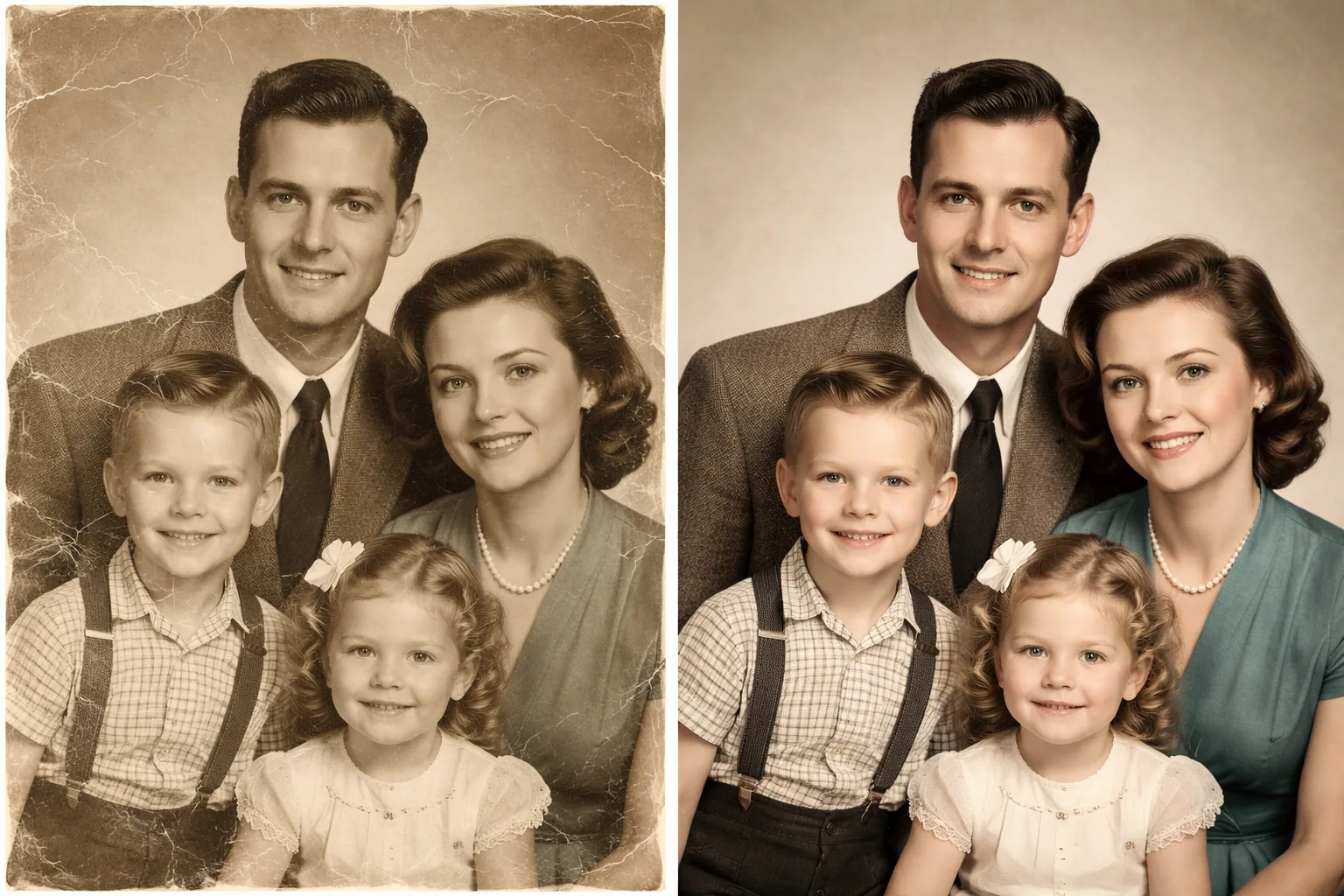
Restore Old Photo Gemini Prompt - Repair Scratches and Bring Back Color
Restore old, faded, scratched, or damaged photos with a Gemini photo editing prompt that keeps the original character intact.
Prompt
Restore this old photo while preserving the original identity, expression, clothing, and historical character.
Repair scratches, dust marks, paper cracks, stains, fading, blur, and low contrast. Improve clarity naturally without making the people look modern, plastic, or AI-generated. If the photo is black-and-white or sepia, add subtle realistic color only where it improves the image. Keep the original composition, age, facial structure, and emotional tone.
Output should look like a careful archival photo restoration: clean, sharp, natural, respectful, realistic skin texture, balanced contrast, no over-smoothing, no new people, no changed faces, no extra details, no text, no watermark.
image prompt
5/9/2026
Reference

Categories
Tags
#old photo restoration
#restore old photo
#gemini photo editing
#photo repair
#scratch removal
#colorize photo
#image restoration
#ai photo editing