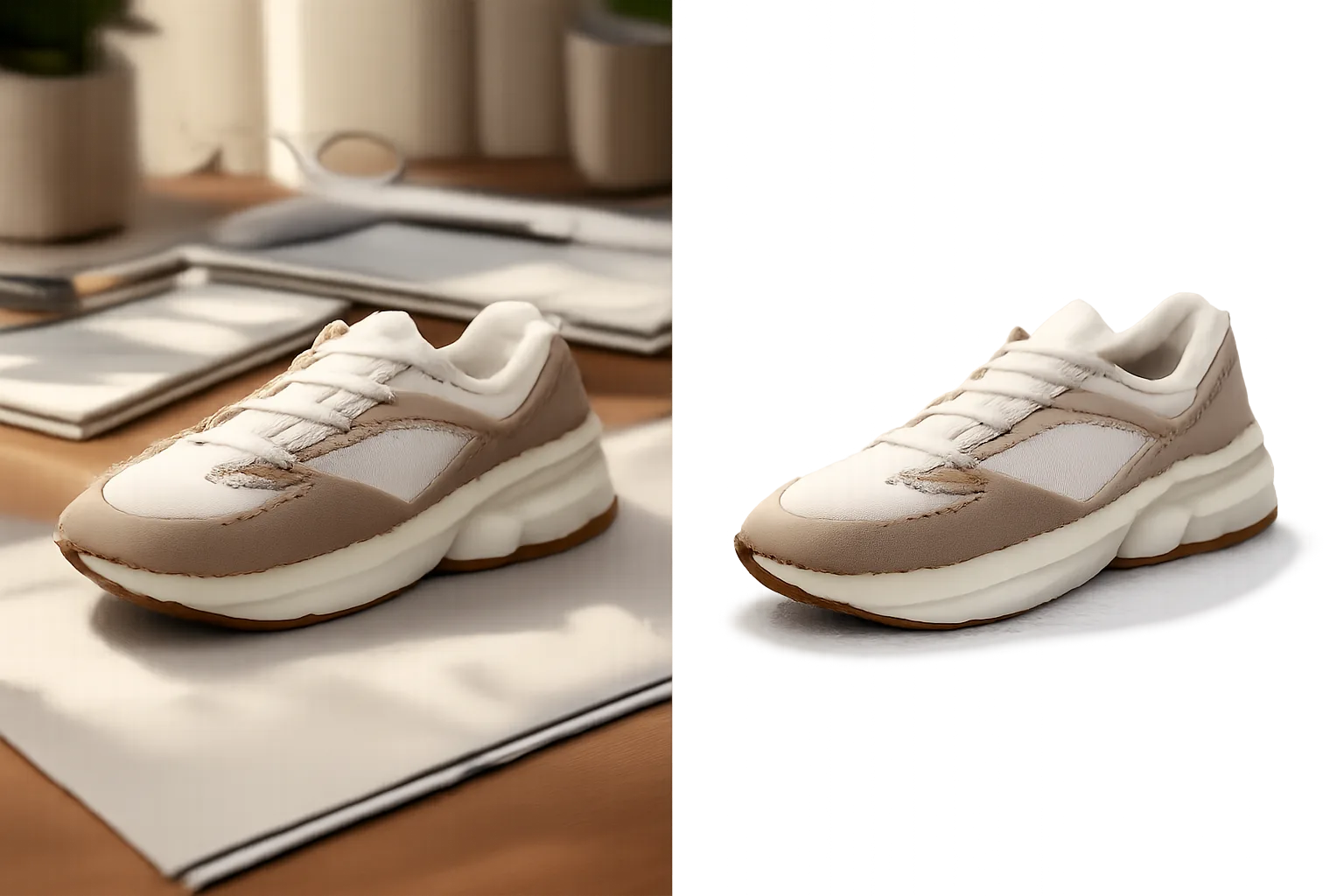
Remove Background from Photo Gemini Prompt - Clean Cutout Image
Remove messy backgrounds from product or portrait photos and create a clean cutout with natural edges and shadows.
Prompt
Remove the background from this image and create a clean subject cutout.
Keep the main subject exactly the same, including shape, proportions, texture, color, and small edge details. Remove the surrounding background completely. Preserve natural edge softness, hair/fabric/product details, and realistic shadows where useful.
Output the subject on a clean transparent or plain white background. Do not crop the subject too tightly. Do not change the product, person, pose, clothing, colors, logo, or materials. Avoid jagged edges, halos, leftover background fragments, extra objects, text, watermark, and artificial glow.
image prompt
5/9/2026
Reference

Categories
Tags
#remove background
#background remover
#gemini photo editing
#product photo
#clean cutout
#transparent background
#ai photo editing
#ecommerce image