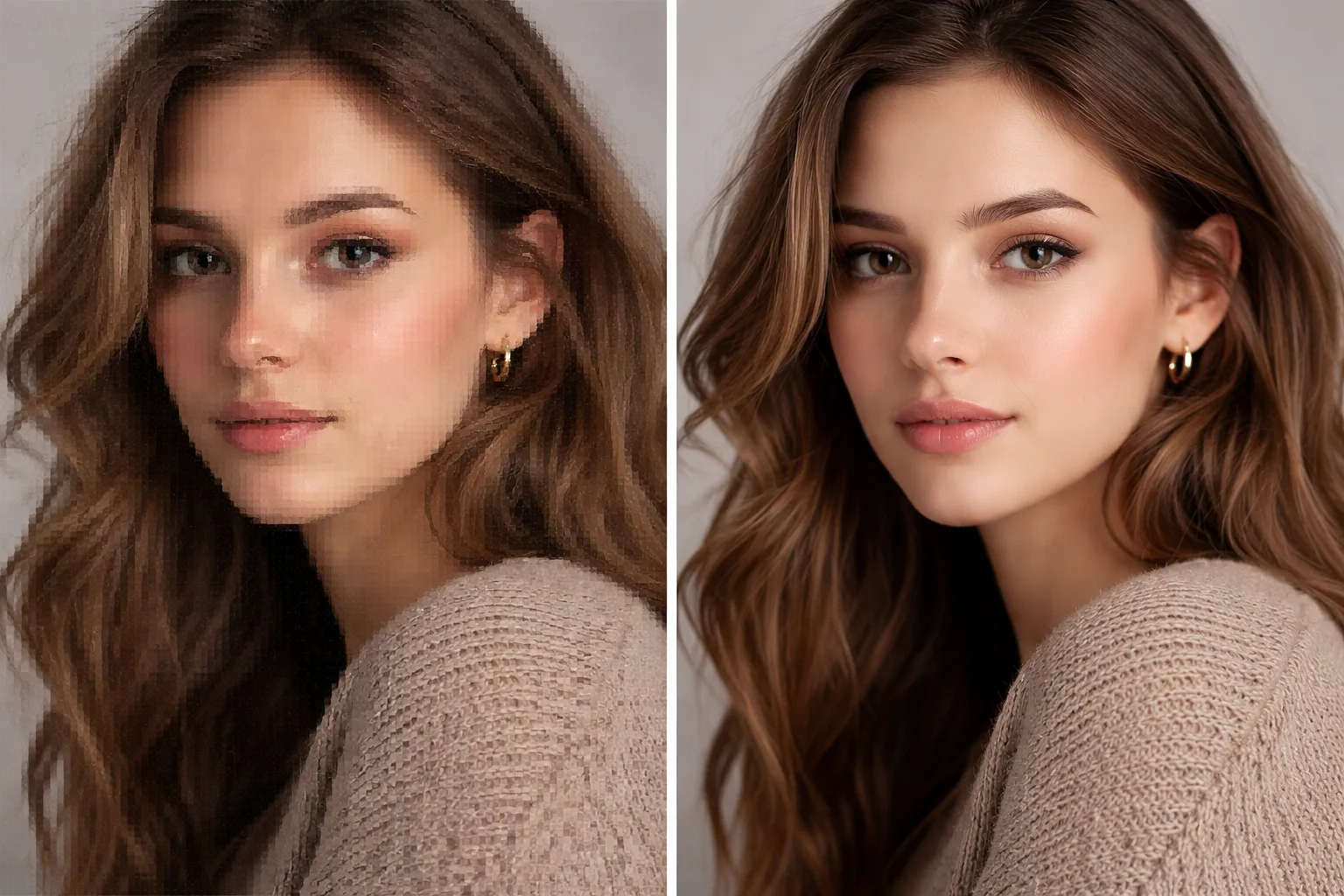
Enhance Photo Quality Gemini Prompt - Make Blurry Images HD
Improve low-quality, blurry, pixelated, or compressed photos into clean HD images while keeping faces natural.
Prompt
Enhance this photo to clean HD quality while preserving the original person, face, pose, clothing, background, and lighting.
Fix blur, pixelation, compression artifacts, noise, dull colors, low contrast, and soft detail. Make the eyes, hair, fabric, and edges clearer, but keep everything realistic and natural. Do not change the person's facial features, age, expression, skin tone, hairstyle, body shape, or outfit.
The final image should look like a high-quality version of the same photo: sharp but not over-sharpened, detailed but not fake, natural skin texture, balanced color, realistic lighting, no plastic skin, no extra limbs, no face replacement, no text, no watermark.
image prompt
5/9/2026
Reference

Categories
Tags
#enhance photo quality
#make photo hd
#clear blurry photo
#gemini photo editing
#photo enhancer
#image quality
#upscale photo
#ai photo editing